

Download Power Media Player APK – Android media player, free video player, high-quality playback, 4K support, multimedia utility
Overview
Power Media Player APK is a dedicated media playback application designed for Android devices, developed by CyberLink. The software aims to deliver a seamless entertainment experience by supporting a wide range of video and audio formats directly on smartphones and tablets. It is tailored for users seeking a reliable, all-in-one solution for watching movies, viewing photos, and listening to music without compatibility issues. The app is positioned as a powerful yet accessible tool for both casual viewers and media enthusiasts who demand high-quality playback across various file types.
Target users include Android smartphone and tablet owners who frequently consume digital media and require consistent playback performance. The application is especially useful for those who store media in less common formats such as MKV, RMVB, or MOV, which are not always supported by default Android players. Real-world usage scenarios include streaming personal video collections, watching high-resolution content on the go, and enjoying music with enhanced audio fidelity. The developer did not provide additional details about the company’s background beyond its name, and no specific user demographics were specified.
Key Features & Capabilities
- Wide Format Support – The app is capable of playing most popular video formats including H.264, MP4, MPEG4, MKV, VP8, FLV, RM, RMVB, and MOV, reducing the need for format conversion before playback.
- High-Resolution Playback – Supports high-definition content such as 1080p and 4K video, ensuring crisp visuals on compatible screens.
- Advanced Audio Decoding – Equipped with a built-in audio decoder for high-quality music playback, enhancing the listening experience across various audio formats.
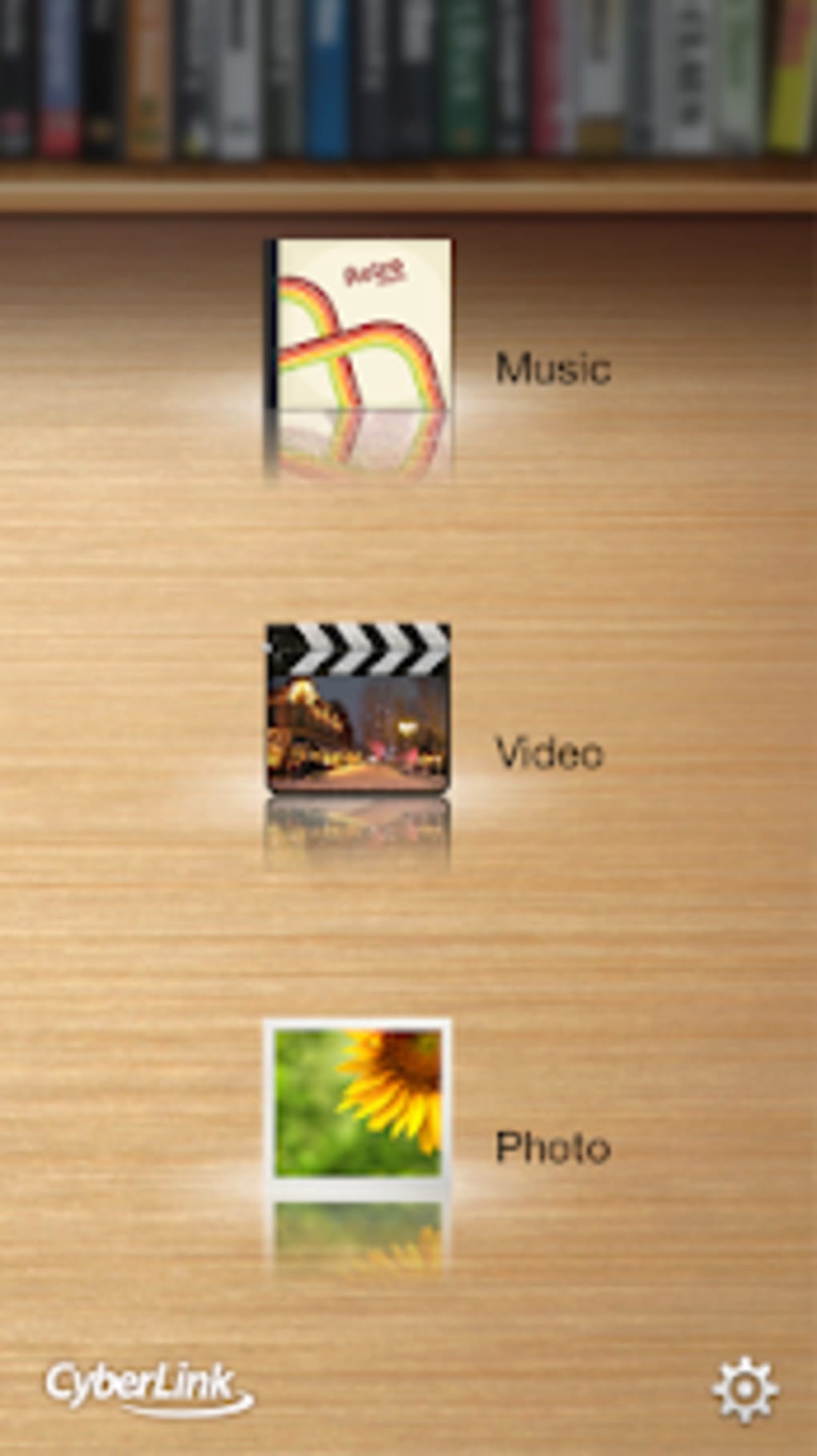
- Intuitive Media Navigation – Features a clean, modern interface designed for easy access to video, photo, and music libraries, minimizing user friction during media selection.
- Customizable Playback Settings – Offers adjustable playback options such as playback speed, subtitle management, and display preferences, allowing users to tailor the experience to their preferences.
These capabilities enable users to manage diverse media collections without relying on external tools. For example, a user with a personal movie library in MKV format can play files directly without conversion. Similarly, someone streaming 4K content from a local drive can enjoy smooth playback with minimal buffering. The app also simplifies photo viewing and music playback, making it a comprehensive media solution for mobile users.
User Interface, Workflow & Performance
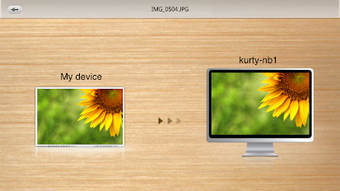
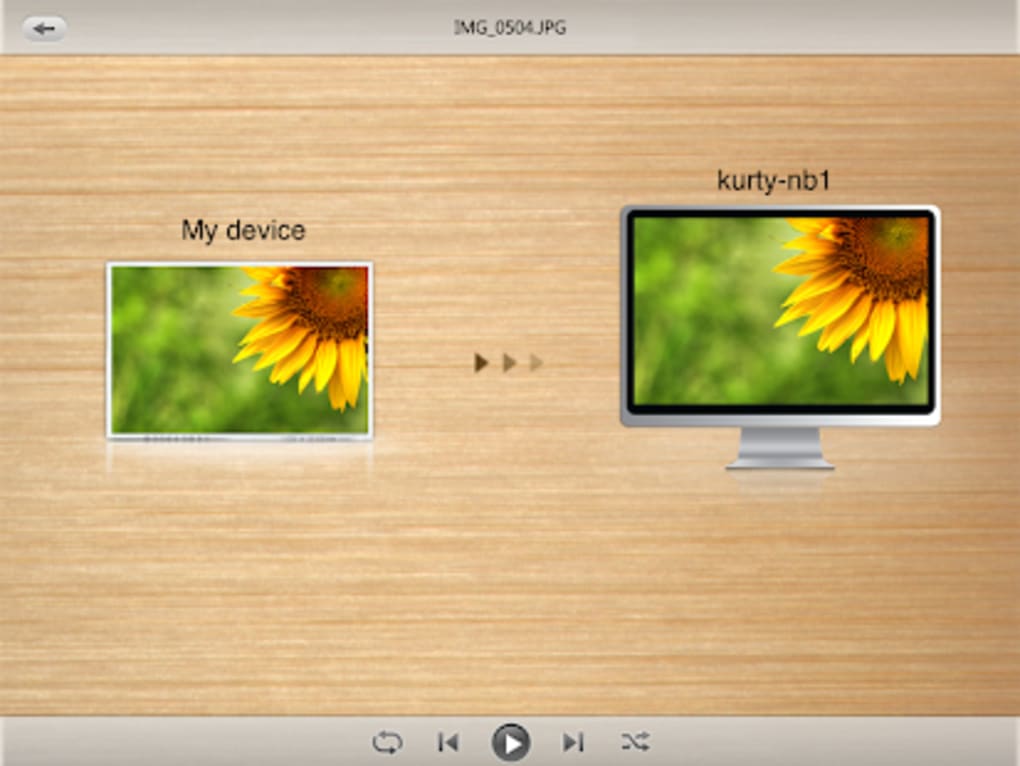
The user interface of Power Media Player APK is described as clean and modern, emphasizing usability and visual clarity. Navigation is structured around media categories—video, audio, and images—allowing users to quickly locate and launch their desired content. The layout appears optimized for touch-based interaction, with intuitive controls for playback, volume, and playback speed.
Workflow efficiency is enhanced by direct access to local storage and media folders, minimizing steps between file selection and playback. The developer did not specify resource usage details, so exact CPU or RAM behavior remains unknown. Performance observations are based on general software behavior patterns for media players on Android. Stability during extended playback sessions was not detailed, and no information was provided about background operation or battery impact.
Compatibility & System Requirements
Power Media Player APK is designed for Android operating systems. The specific version and supported OS versions were not provided in the input. Installation size and hardware requirements were also not specified. Platform compatibility information is limited to the general statement that the app is intended for Android phones and tablets.
Exact system requirements were not listed. Compatibility with older Android versions or specific device models was not confirmed. Users should verify whether their device meets the minimum requirements before installation. The developer did not provide additional information about device-specific optimizations or performance tuning.
Pros and Cons
Pros
- Supports a broad range of video and audio formats, reducing the need for file conversion.
- Capable of playing high-resolution content, including 4K and 1080p videos.
- Features a clean, modern interface that enhances usability on mobile devices.
- Offers customizable playback settings for a personalized viewing experience.
- Includes built-in audio decoding for high-quality music playback.
Cons
- Exact system requirements and hardware specifications were not provided.
- Performance under heavy load or prolonged use was not documented.
- Compatibility with older Android versions remains unclear.
- Limited information on background operation and battery efficiency.
- No details on update frequency or future feature roadmap.
FAQ Section
Is Power Media Player APK safe to download?
The app is developed by CyberLink, a known software company. As with any third-party APK, users should ensure the source is trustworthy to avoid potential security risks.
Can I use Power Media Player on older Android devices?
Compatibility with older Android versions was not specified. Users should check their device’s OS version against the app’s requirements if available.
Does Power Media Player require an internet connection?
The app can function fully offline, allowing playback of locally stored media files without needing an internet connection.
Is Power Media Player free to use?
Yes, the software is described as free, though users should confirm the licensing terms through the official source.
How often are updates released?
Update frequency was not provided. Users should check the developer’s official channels for the latest version and improvements.
Final Thoughts
Power Media Player APK stands out as a robust media playback solution for Android users seeking broad format compatibility and high-quality output. Its ability to handle diverse video and audio files, including 4K content, makes it a strong contender in the mobile media player space. The clean interface and customizable playback settings enhance user experience, particularly for those managing large personal media libraries.
While detailed technical specifications and system requirements are limited, the app’s core functionality appears well-aligned with the needs of mobile entertainment consumers. Users who prioritize reliability, format support, and playback quality will find value in this tool. For those looking for a secure, feature-rich, and free media player for Android, Power Media Player APK offers a compelling option.
Download Power Media Player APK now





.png)

